IdeaBlade led and implemented the infrastructure behind the official Angular documentation at angular.io (see the archived site).
IdeaBlade and its global team of author/consultants also wrote and edited almost all of the guide pages that teach developers how to write Angular applications. We conferred regularly with Angular core team members to better understand the features, suggest improvements, and channel feedback from the Angular community. During our involvement, the Angular community grew from near zero to over 850,000 developers.
We wrote working code samples and end-to-end tests for almost every guide page. Angular relied on these tests to help validate the evolving Angular product and help guard against regressions. These tests are now part of the Angular automated CI.
We developed two versions of the doc viewer and tooling applications.
- v1: AngularJS, Jade, TypeScript, Node, Gulp, HTML, CSS, dgeni (a Google text transform tool).
- v2: Angular, Angular Material Design, RxJS, Markdown, TypeScript, Node, HTML, Sass, dgeni.
We used a combination of Google Docs and GitHub issues/projects for planning and task tracking.
Complexity
- Guide code samples are fully functional, independent applications.
- Code snippets within the document text must be free of typos and work without error for the current Angular release.
- Code snippets are extracted from specially marked sections of the code samples.
- Common source files (boilerplate) are maintained separately and copied into each sample project.
- Created a tool to re-package code samples so they run in Plunker (a web coding environment).
- Created a tool to re-package code samples for download on the reader’s machine.
- The v2 “Doc Viewer” renders a dynamic mix of HTML and custom Angular components.
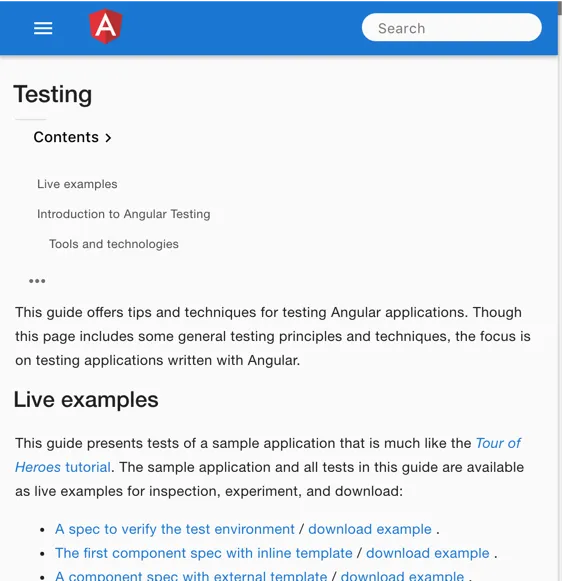
- The viewer generates each guide’s Table of Contents on the browser and displays it differently depending upon the viewport width (an example of programmatic Responsive Design).
- Service Worker caches app files so the app launches and executes quickly on mobile devices.
The solution
Angular guide page
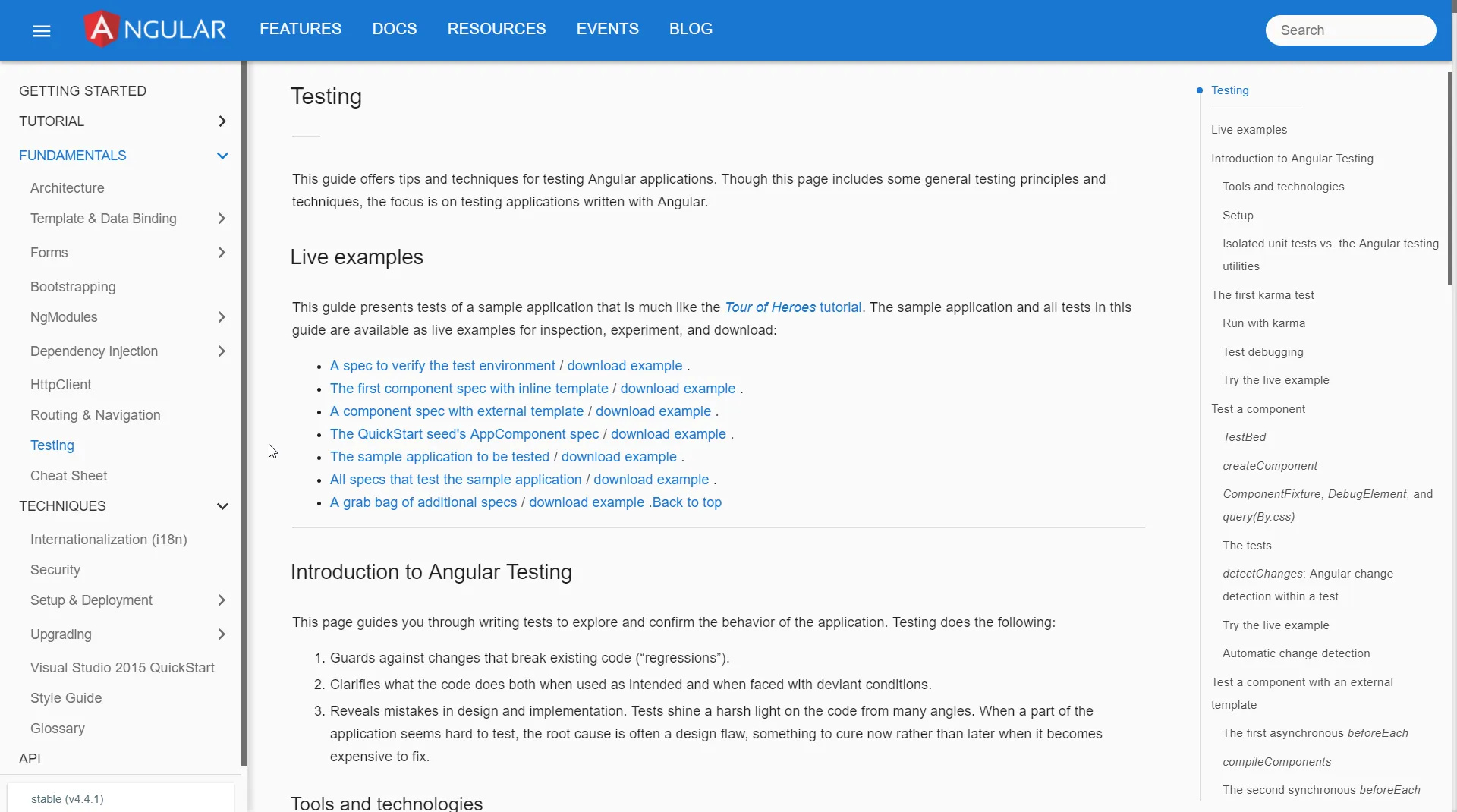
The Angular Testing guide, written by Ward Bell, as seen in both the wide desktop view and the narrow mobile view, demonstrates Responsive UX.
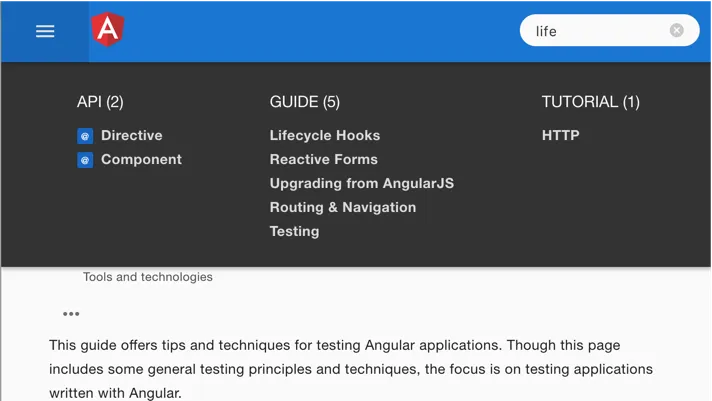
Full text search
The full text search relies on RxJS Observables to monitor keystrokes and control the display. The v2 doc viewer uses Observables extensively to manage document caching, control the menus, and respond to changes in viewport width.
Live code example
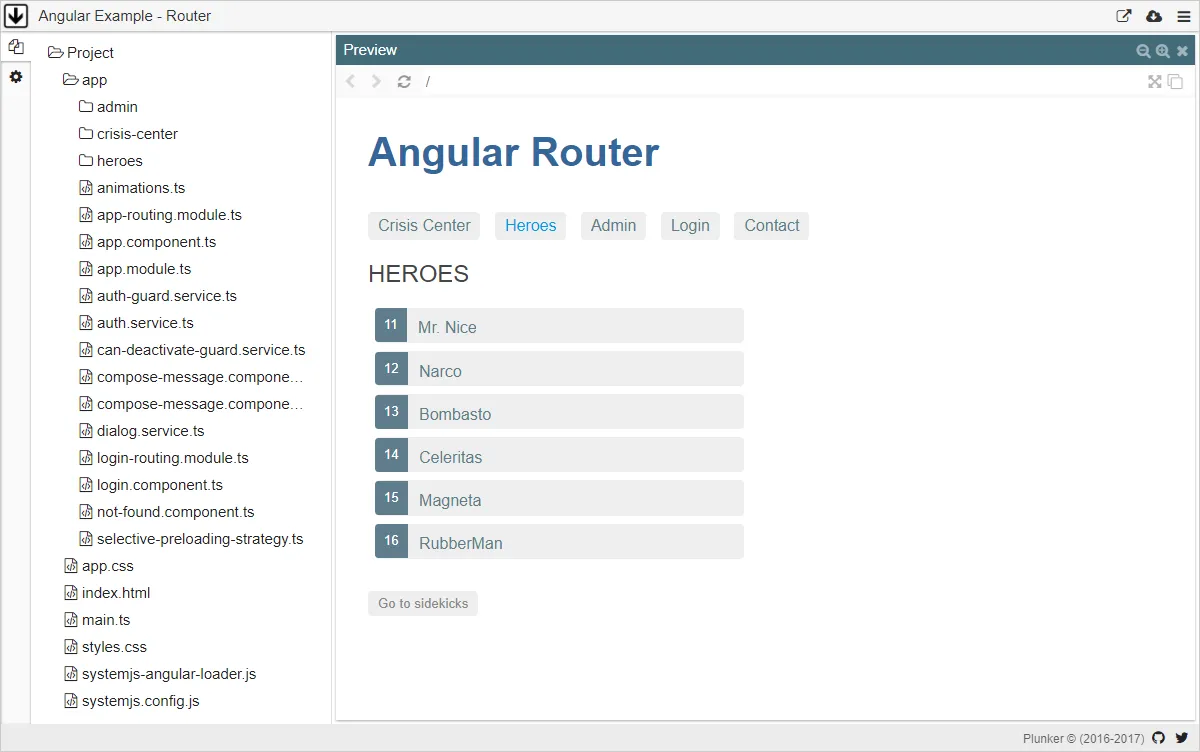
Readers can run code samples in the Plunker live coding environment where they can explore, edit, and share changes with other developers.